
DEViCE: Data Extraction from Visual Capture for Examination
Background
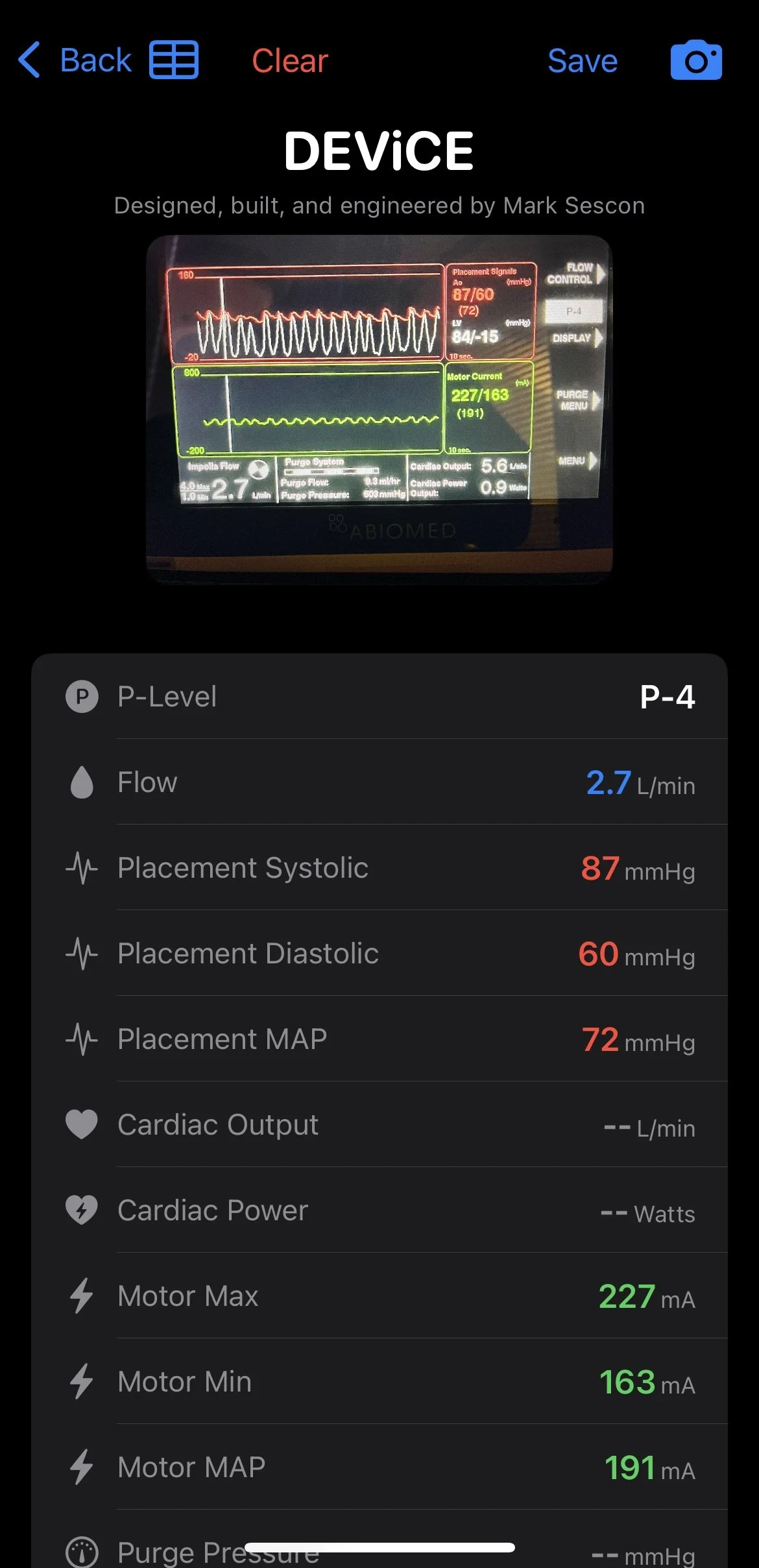
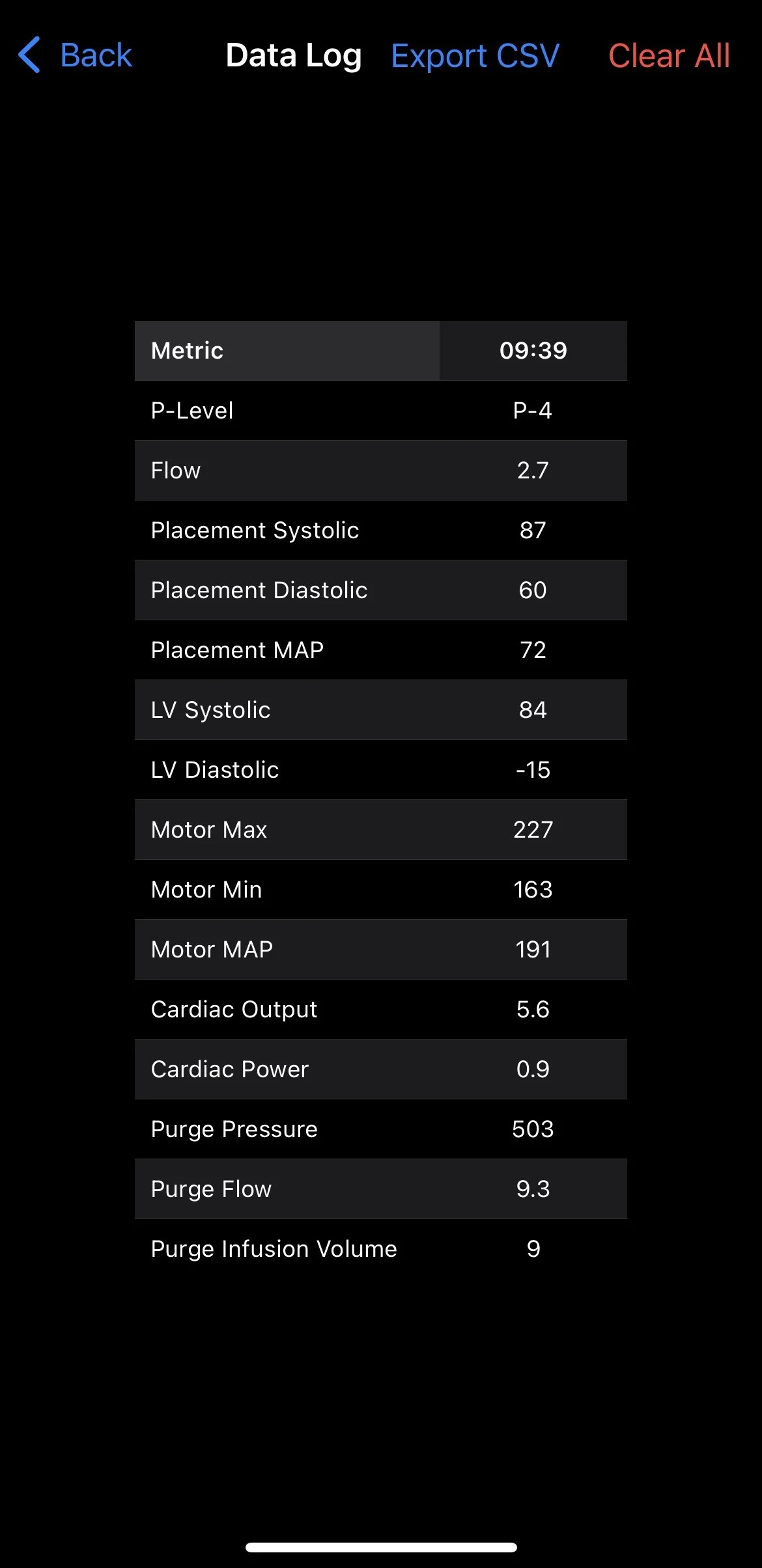
DEViCE (Data Extraction from Visual Capture for Examination) is an iOS application developed to eliminate the risk and inefficiency of "double-handling" critical patient data in clinical settings where devices like Impella lack direct integration with the Electronic Health Record (EHR). Healthcare providers, particularly nurses and respiratory therapists, have to manually write down and then transcribe vital data, a process inherently prone to human error. DEViCE solves this problem by using the Vision Framework's Optical Character Recognition (OCR) to instantly read a photo of a device's monitor screen, such as the Impella console, automatically extracting key metrics and inserting them into a clear, editable table for review and saving.
For a more thorough review of the development of this project, please refer here.
Video Demonstration
Gallery

Instructions
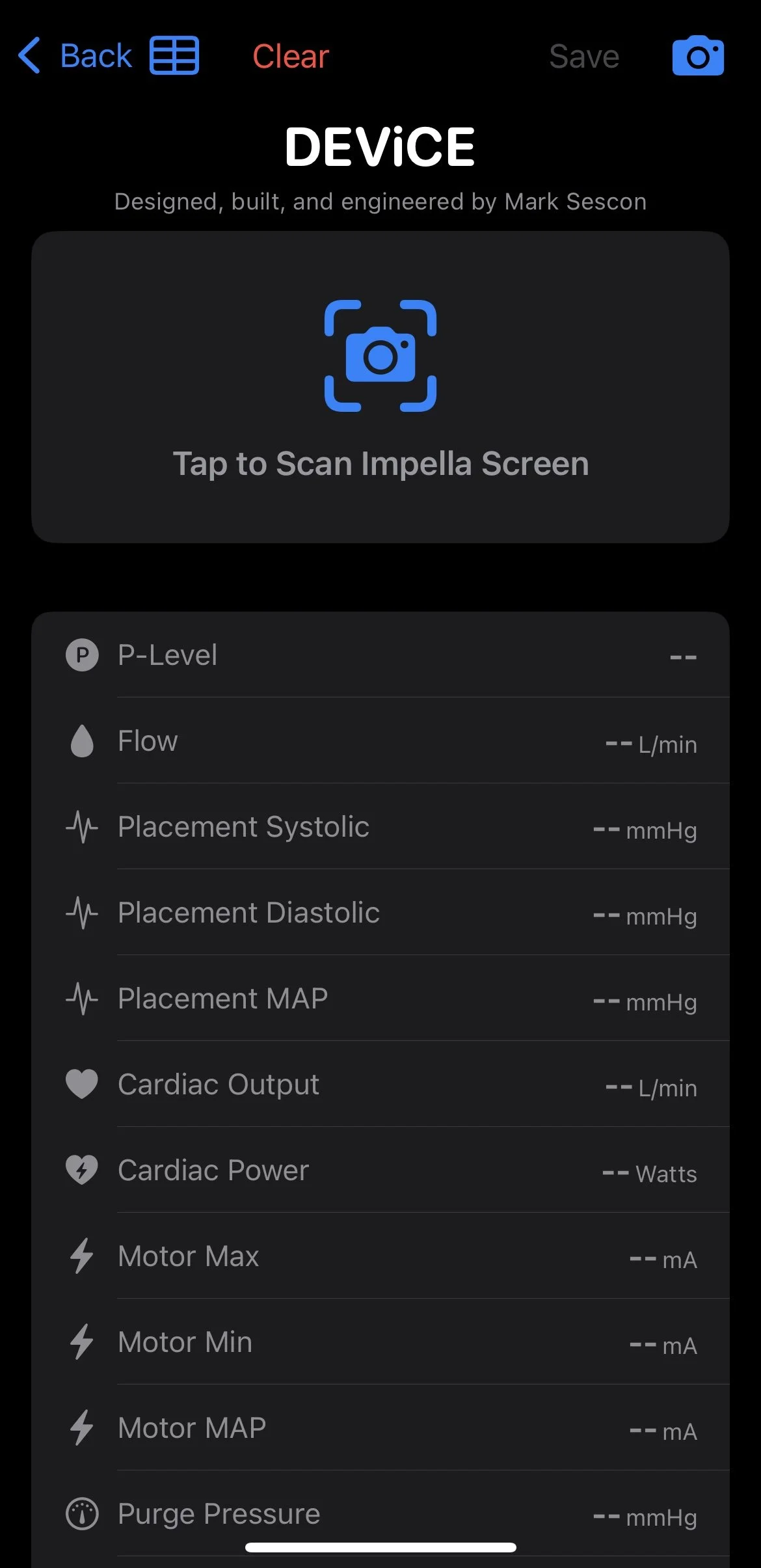
Open app and start a new session.
Capture image. Tip: Use landscape mode on camera.
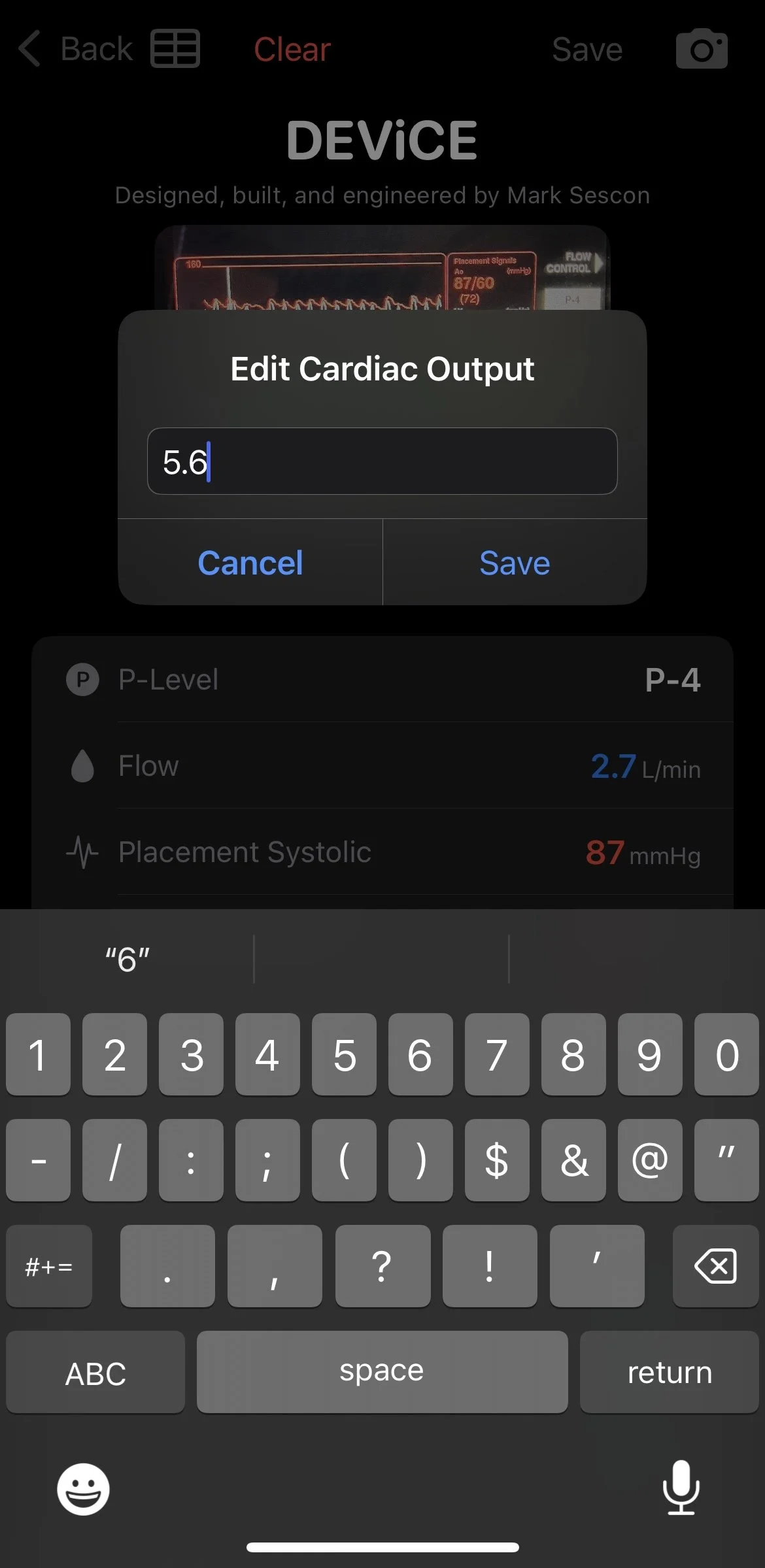
Review extracted data. If any numbers are incorrect, double tap the value to edit it manually.
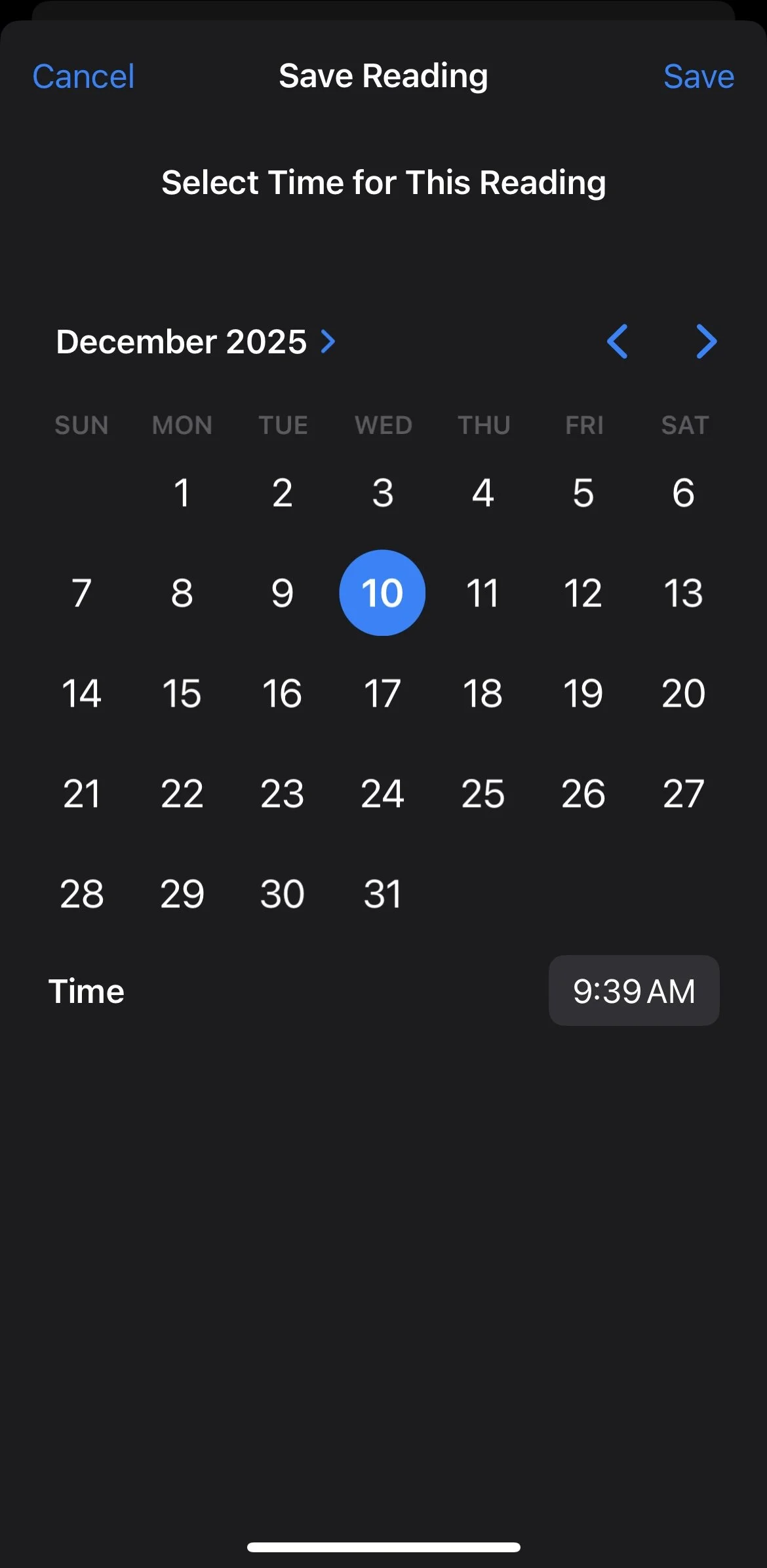
Save data. Committing the entry saves the data with the current date and time and resets the home screen for the next entry.
To review past entries, click the Data Log Table icon in the top left corner of the Home Screen.
To delete an entry from the Data Log, touch and hold the entry's column header and select Delete.
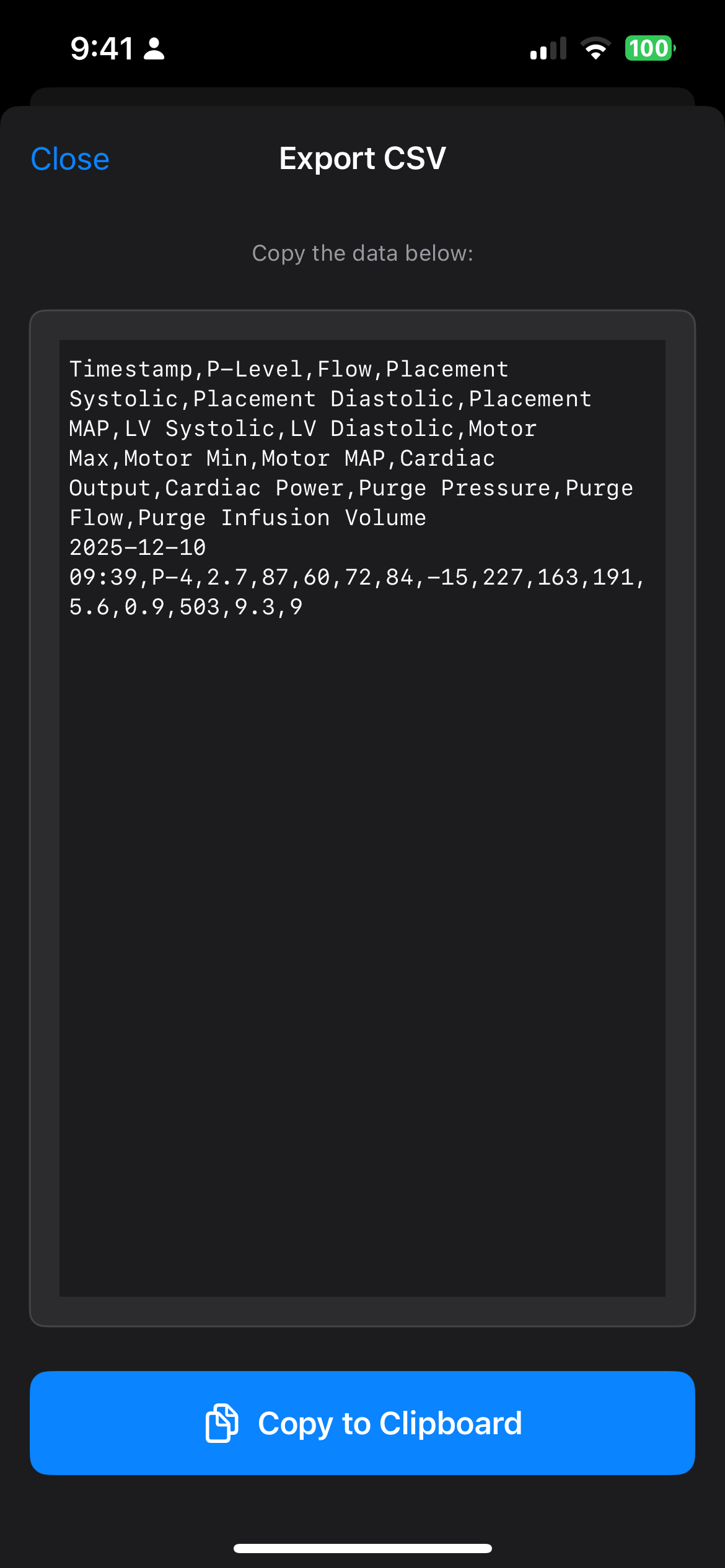
If needed, export CSV data for copy/pasting into a spreadsheet app like Excel or Google Sheets.